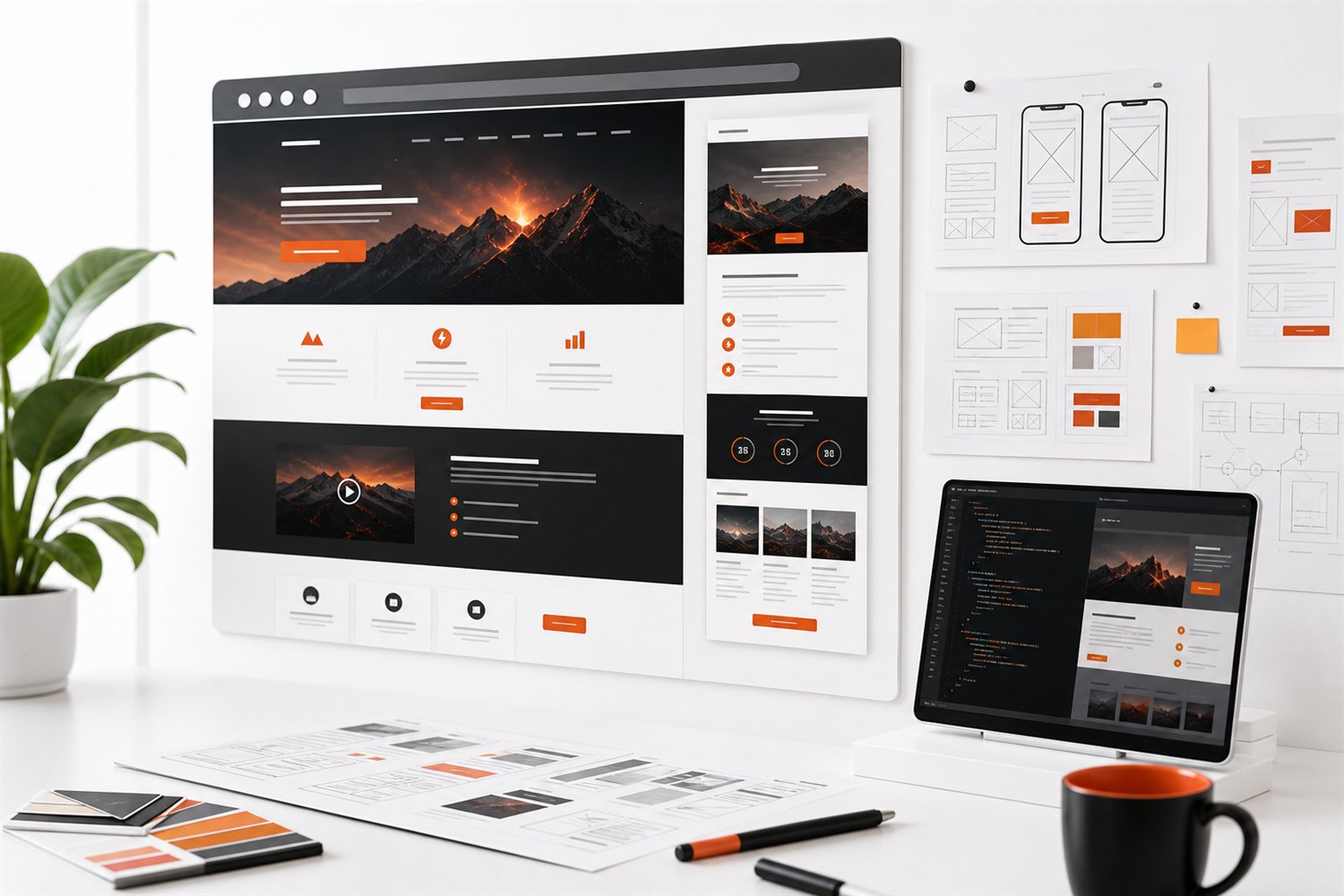
Set a timer for 15 minutes and review your website like a first-time visitor who has a real problem to solve. Do not start with design taste. Start with whether the page makes the business feel capable, relevant, and easy to contact.
1. Check the first impression
Within the first screen, a visitor should understand what you do, who you help, and why your business is a credible option. If the headline is vague, the supporting copy is generic, or the main image does not match the work, trust drops before the visitor reads anything else.
2. Review the mobile path
Most visitors will judge the business on a phone. Check whether the logo, headline, navigation, buttons, forms, and images fit without awkward overlap. A mobile site that feels squeezed or confusing signals that the business may be hard to work with.
3. Look for specific proof
Trust grows when a site shows concrete details: real services, a clear process, strong visuals, useful answers, and honest examples. Avoid fake metrics, fake clients, or filler testimonials. If real proof is not ready, say what you can show truthfully and build toward stronger case studies.
4. Test every call to action
A visitor should never wonder what to do next. Review the buttons and forms on key pages. The call to action should match the level of commitment you are asking for, whether that is requesting an audit, booking a call, asking for a quote, or reviewing services.
5. Check lead capture and follow-up
The site should capture enough information to respond intelligently without making the form exhausting. After that, the follow-up process matters. If inquiries land in an inbox with no routing, reminder, or response system, the website is only doing half the job.
What to do next
Write down the three biggest gaps you find. If they are mostly message and design problems, start with brand and website clarity. If the site looks solid but leads still disappear, focus on tracking, conversion paths, and follow-up workflows.
Try it now
Open your homepage on a phone. Write down the service, intended customer, and next action without scrolling. Then ask someone unfamiliar with the business to do the same. Where the answers differ, clarify the page before adding more sections.